
From cutting list to delivery
A workshop's cut-to-size order takes four steps on Kolay Dolap. All of them happen in your trade account, and that is where the order's status is updated too.
- 01
Pick a model or enter a cutting list
Open one of the ready models and set its width, height, depth and internal layout to suit the job. Part sizes, quantities and edged sides are calculated from the model.
- Eight models, from wardrobes to washing machine units
- For your own designs, type the list in or paste it from Excel
- Parts the supplier doesn't cut, such as worktops, mirrors and handles, are listed separately
- 02
Choose board and edging
Pick the board's material, decor and thickness, and the edging to match. Edging is a single choice per part: no edging, one long edge, all four edges and so on.
- On woodgrain decors, set each part's grain: along the length, across the width, or either
- Back panels are listed separately as thin board
- If a part doesn't fit the sheet, you are warned before you order
- 03
Compare prices
Suppliers that stock every board and edging on your list are ranked by total price. You choose who cuts the job.
- The price comes from the board area, the supplier's waste allowance, metres of edging and the cutting charge
- Lead time and delivery options are shown next to each price
- If a supplier has a minimum order, the total is raised to it
- 04
Track the order
Every order gets a reference number and goes to the supplier you chose. As the supplier updates its status, you see it in your account and get an email.
- You can cancel an order until the supplier accepts it
- Group orders into projects, one per customer job
- Repeat a past order with the same list and delivery details
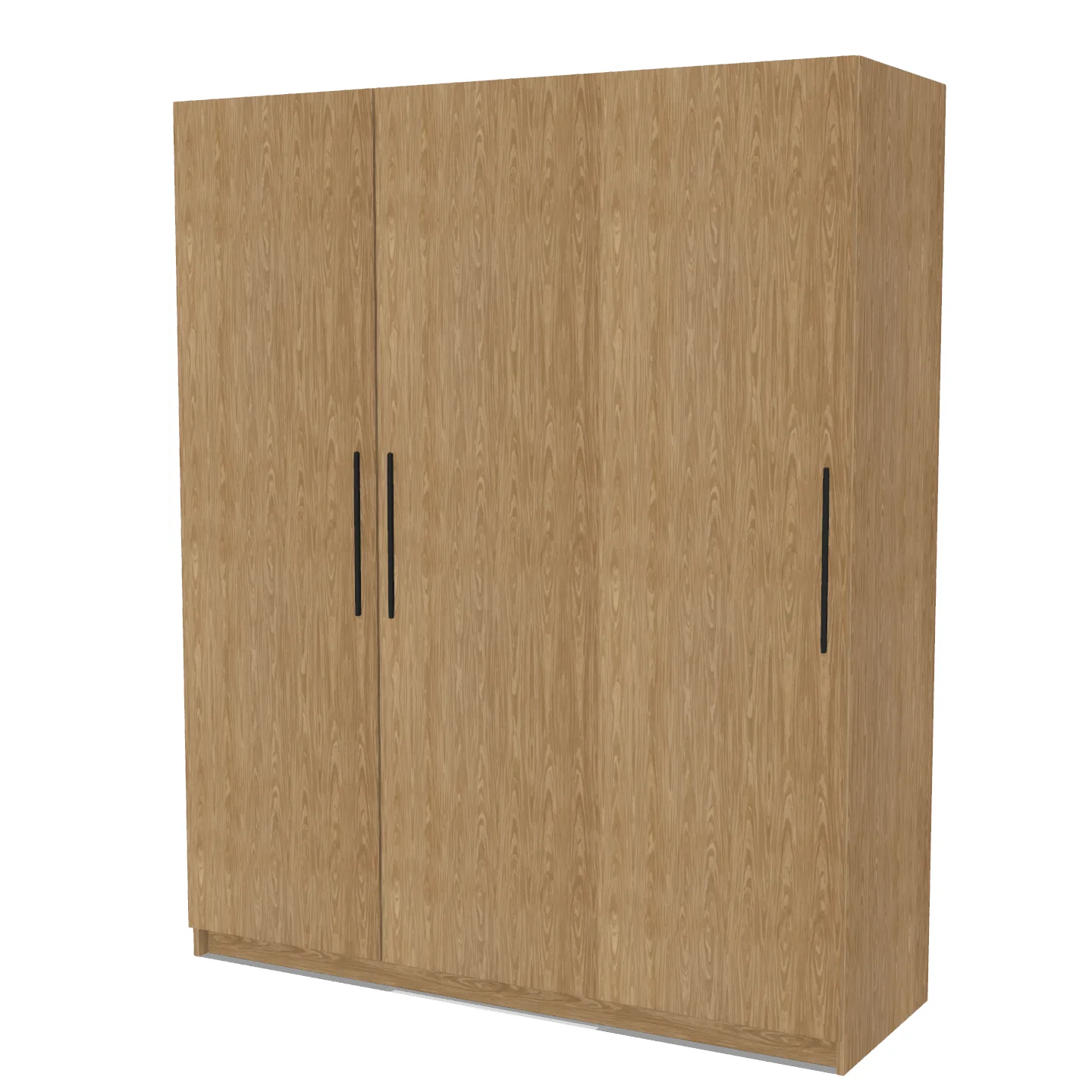
Two ways to start
From a ready model
Size a model such as a wardrobe, kitchen units or a vanity unit to your measurements. The cutting list comes out grouped by board, with the edged sides set from the model.
Browse the modelsFrom your own list
For jobs outside the models, enter each part's name, length, width and quantity, or paste them from Excel. Price comparison and ordering work just as they do for lists from a model.
Try the cutting listAfter you order
The order lands in the supplier's account and they are emailed. From then on the supplier moves it along, and you hear about every step.
New
The order has reached the supplier. You can cancel it in your account until it is accepted.
Accepted
The supplier has accepted the order. From here, talk to the supplier about any change.
Cutting
The parts are being cut and edged.
Ready
The parts are ready. If you chose collection, you can pick them up.
Delivered
The order has reached you and moves to your past orders.
Orders sent by courier or on the supplier's own vehicle show as “Shipped” while on the way.
Payment
The order total goes on your trade account. Card payment isn't available on the site yet.
Try it first
You can try the models and the cutting list without an account. To send an order to suppliers, you need a trade account.