
For furniture workshops and cut-to-size suppliers
All your workshop's cut-to-size orders in one place.
Size a model to your measurements and the cutting list builds itself. See suppliers' prices for board, cutting and edging side by side, then order here.
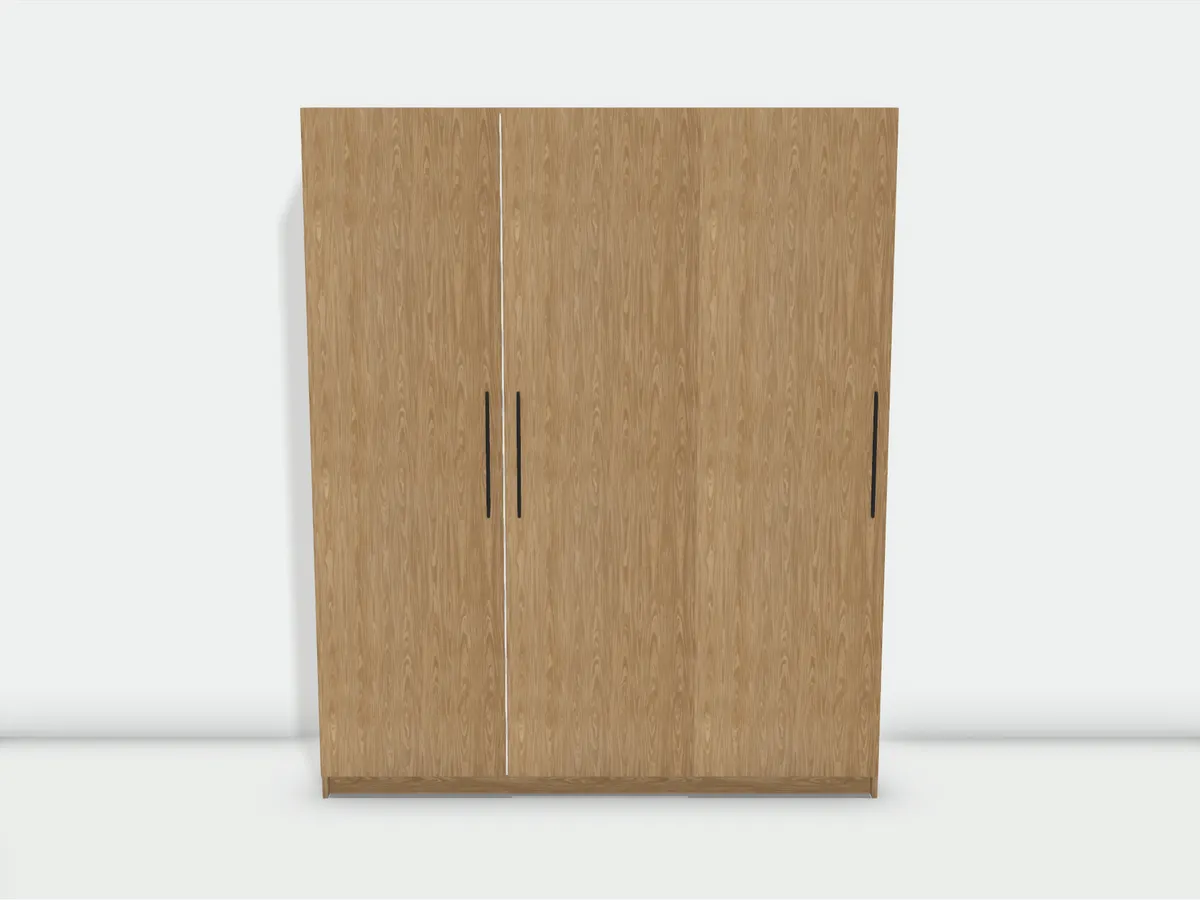
Cutting list
19 parts
| Part | Size (cm) | Qty | Edging |
|---|---|---|---|
| Oak, 18 mm | |||
| Side panel | 220 × 58 | 2 | |
| Door | 211.6 × 59.7 | 3 | |
| Top | 176.4 × 58 | 1 | |
| Plinth | 176.4 × 8 | 1 | |
| White, 18 mm | |||
| Partition | 208.4 × 57.4 | 2 | |
| Bottom | 176.4 × 58 | 1 | |
| Shelf / panel | 58.2 × 55.4 | 6 | |
| Front panel | 57.2 × 20 | 2 | |
| Back panel, White | |||
| Back panel | 208.4 × 176.4 | 1 | |
Not cut by the supplier
- Hanging rail2×
- Metal part2×
- Handle3×
Point at a row to see the part on the model
- Board area
- 16.76 m²
- Edging
- 33.01 m
Open a trade account to send this model to suppliers.
ApplyHow it works
From the cutting list to delivery, every step happens in your trade account.
- 01
Pick a model or enter a cutting list
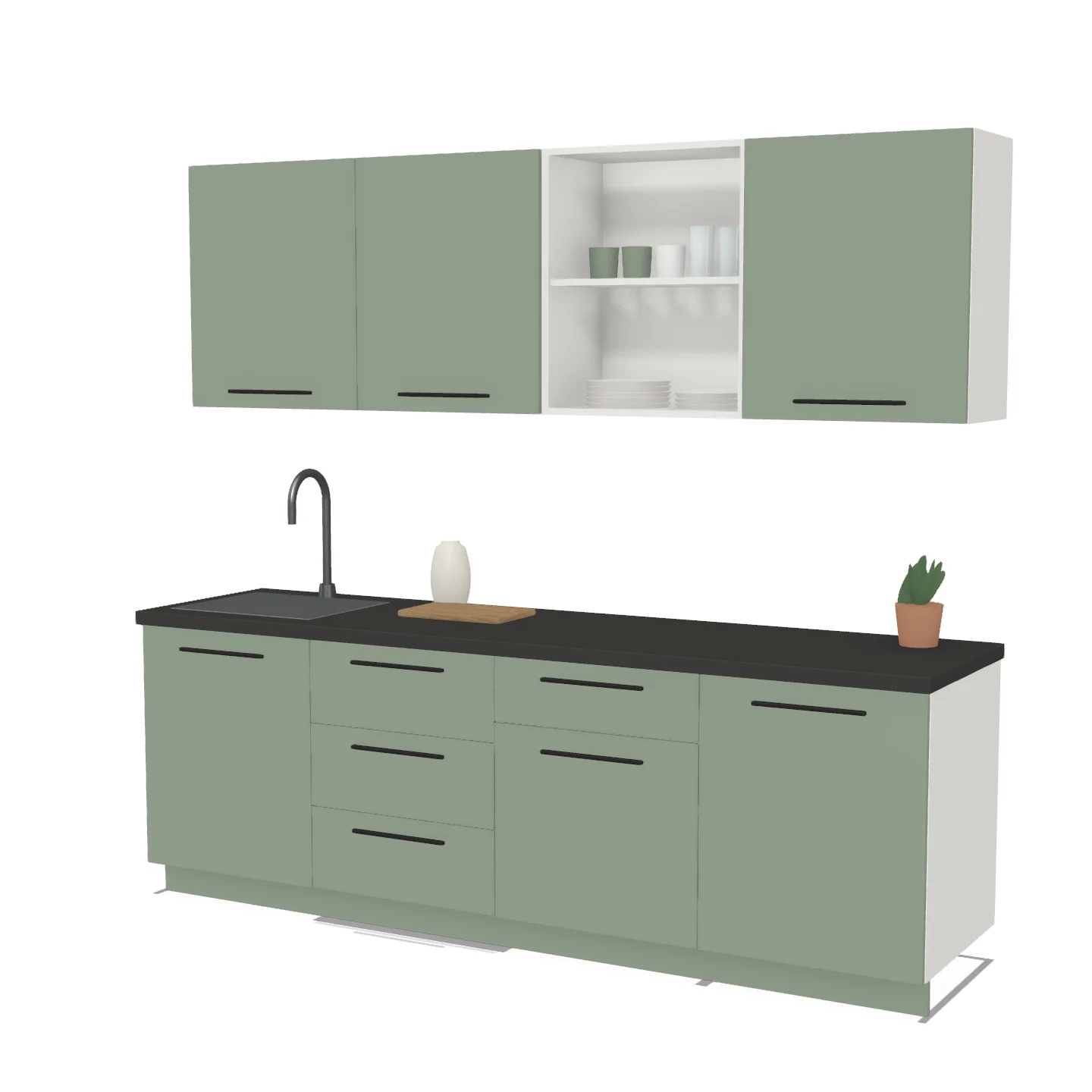
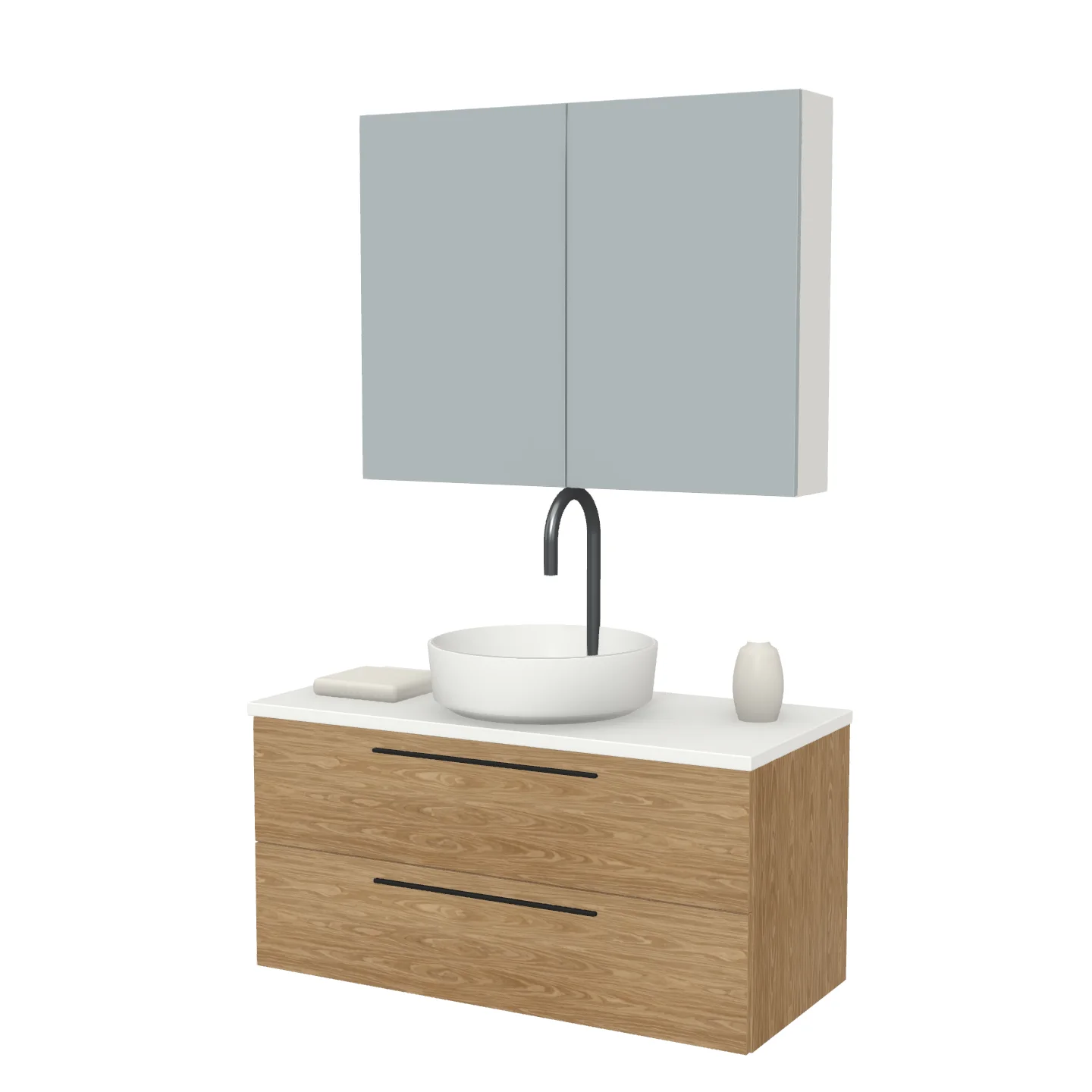
Size one of the ready models, such as a wardrobe, kitchen unit or vanity unit. For your own designs, enter the cutting list by hand.
- 02
Choose board and edging
Pick the board's decor and thickness and the matching edging. On each part, the edged sides are set on a single line, and edges that stay hidden can be left unedged.
- 03
Compare prices
Suppliers that stock every board and edging on your list are ranked by total price. You choose who cuts the job.
- 04
Track the order
Every order gets a reference number. As the supplier updates its status, you see it in your account and get an email.
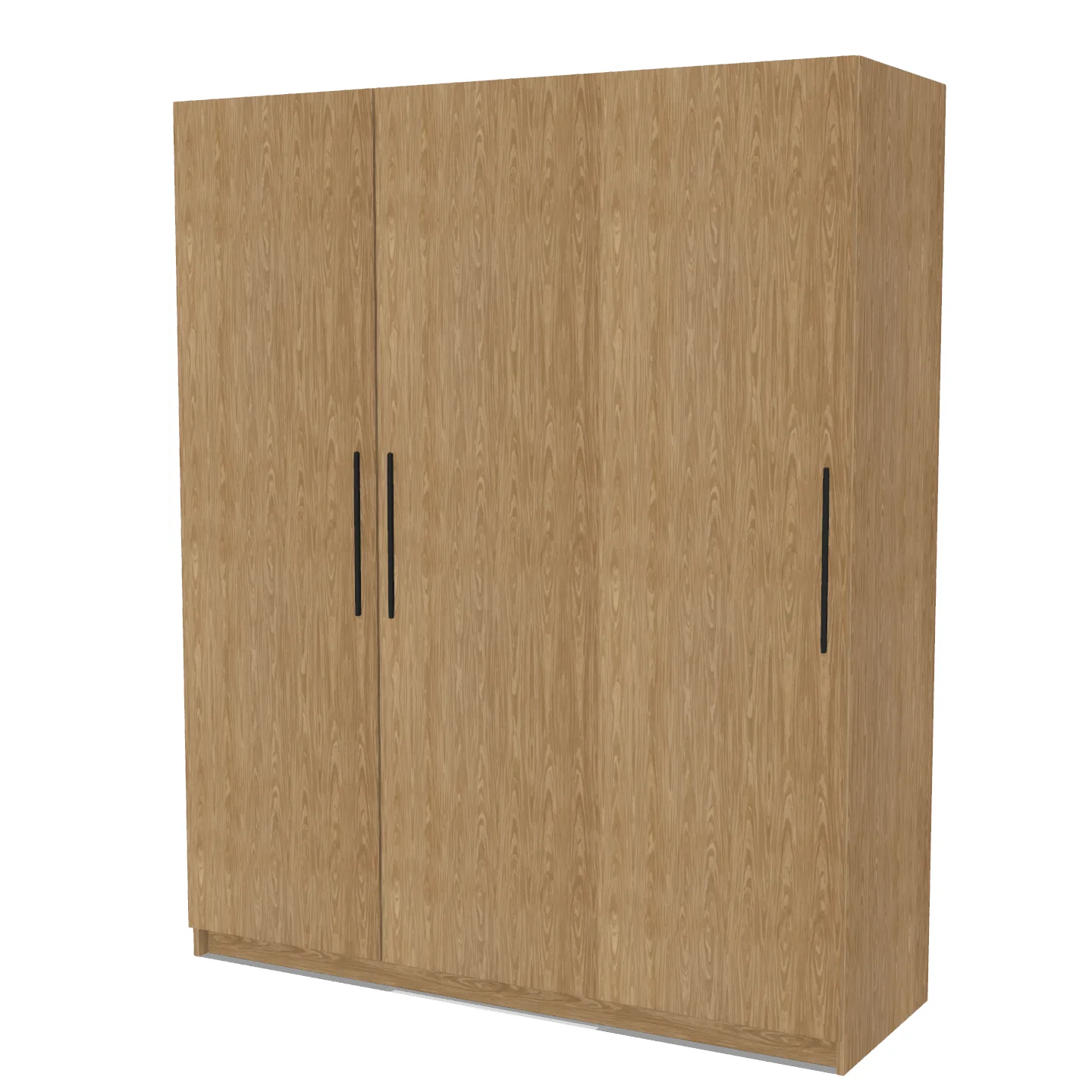
Ready models
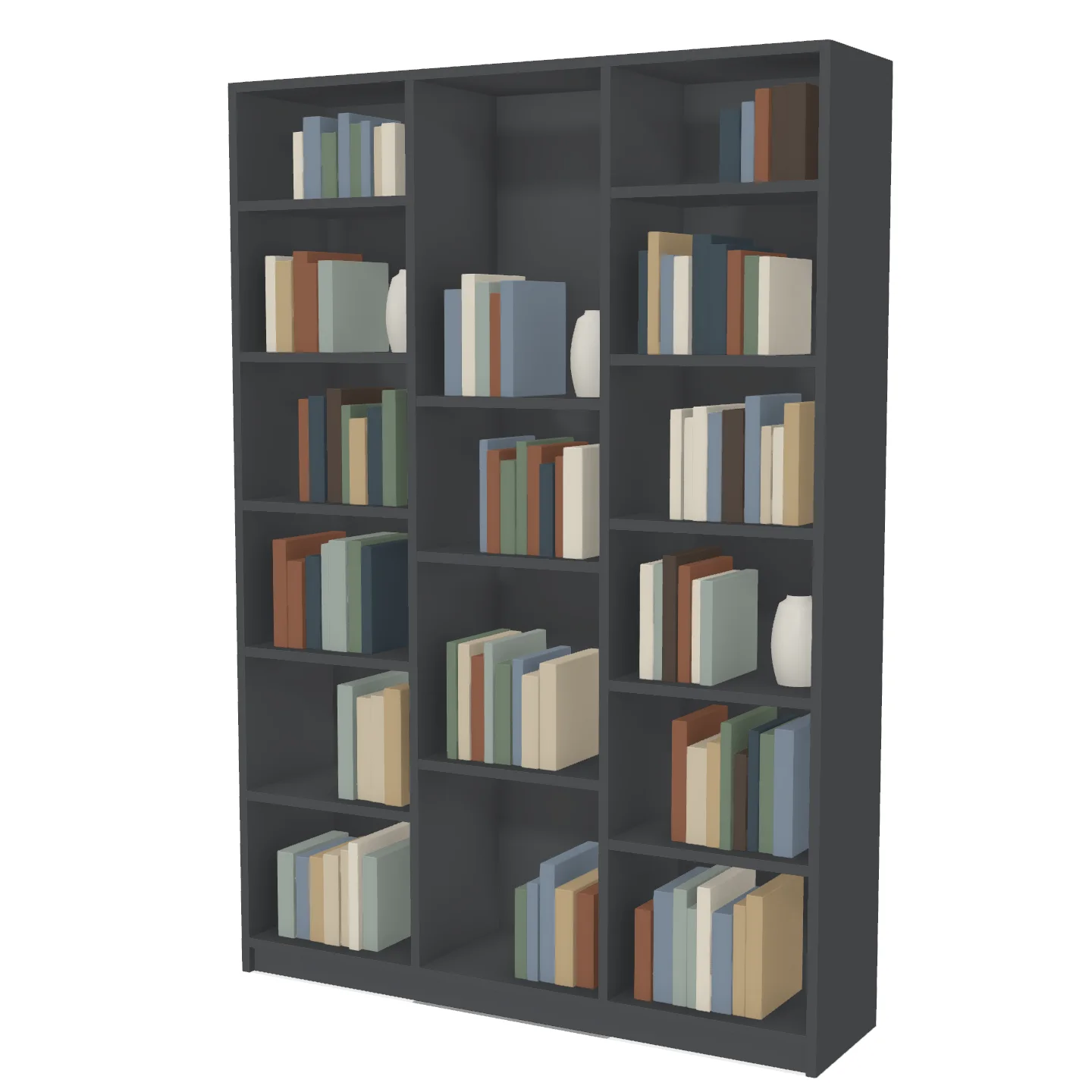
You set the size, the internal layout and the decors. Parts, edged sides and board quantities are calculated from the model.
Your own cutting list
For jobs outside the models, enter the list by hand or paste it from Excel. Paste your own list into the table below to try it.
Type the parts or paste them from Excel
Cutting list
5 rows, 11 parts
| Part | Size (cm) | Qty | Edging |
|---|---|---|---|
| Side panel | 180 × 40 | 2 | |
| Top and bottom | 76.4 × 40 | 2 | |
| Shelf | 76.2 × 38 | 4 | |
| Door | 179.6 × 39.7 | 2 | |
| Back panel | 179 × 79 | 1 |
- Board area
- 6.05 m²
- Edging
- 16.95 m
Column order: part name, length, width, quantity. Sizes in cm. Choose the edging in the list on the right. If your sheet has the number of edged long and short sides, they come in as the fifth and sixth columns.
Open a trade account to send this list to suppliers.
Apply for a trade accountFurniture workshops
For cabinet and furniture makers who send their board out to be cut and edged.
- Part sizes come from the model, so there is no cutting list to work out by hand
- Several suppliers' prices for the same cutting list
- Customer jobs grouped into projects, with draft lists kept for later
Cut-to-size suppliers
For board suppliers that cut to size and apply edging.
- Pick boards and edgings from a shared catalogue and set your own prices
- Orders arrive with exact sizes, quantities and edging, not cutting lists read out over the phone
- An email as soon as a new order comes in
- Who can join?
- Furniture workshops join to place orders; firms that cut board to size and apply edging join as suppliers. We review every application and open accounts for the firms that fit.
- Who chooses the supplier?
- You do. Suppliers that stock the boards and edgings on your list are shown with their prices, and you order from the one you choose.
- How do I order a job that isn't one of the models?
- Choose the board first, then enter each part's name, length, width, quantity and edging. For woodgrain decors you also set the grain direction. You can paste the list straight from Excel, and price comparison and ordering work just as they do for lists from a model.
Open a trade account
Fill in the application form and we'll call you within three working days to get to know your workshop.